Tiny SIM, Big Blind Spot: The UK Smartwatch eSIM Test Before You Travel
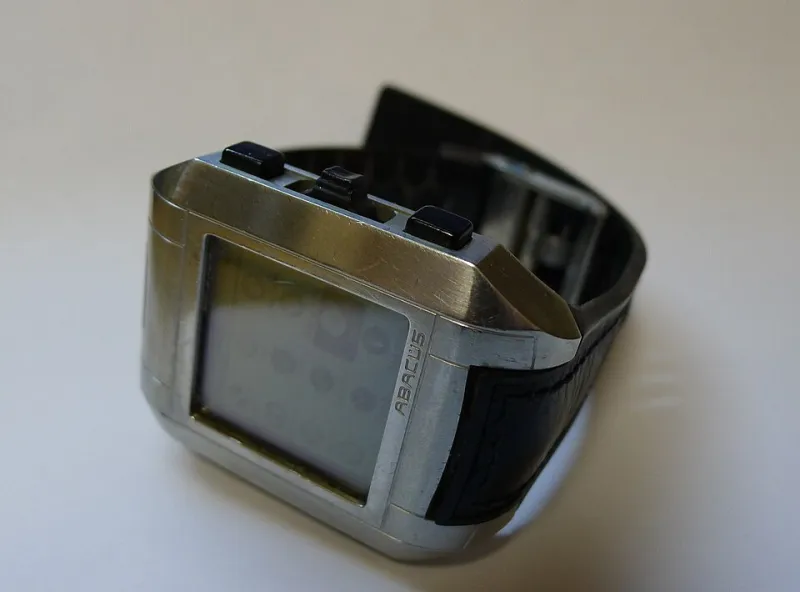
Photo: Danski14, GFDL, via Wikimedia Commons
Smartwatches are brilliant at hiding their true nature. On your wrist at home, the thing looks like a phone sidekick: notifications, calls, contactless payments, a little map on your wrist. Then you get to an airport, leave your phone in your bag or, worse, leave it at home, and the watch goes quiet. Not broken. Just very, very local.
That is the awkward truth about smartwatch eSIMs in the UK in 2026. A watch can have a cellular plan, a familiar number and a reassuring signal bar, and still be useless abroad. Here is what to check before you buy, and how to test the thing before you find out the hard way.
A watch eSIM is not just a tiny phone SIM
The first trap is assuming that because your phone eSIM works, your watch eSIM will behave the same way. It won't always. Wearable eSIMs are their own little category, with their own activation rules, their own plan types and their own roaming exclusions.
Some watches are sold as cellular but need a paired plan on your phone account. Some use a standalone plan with its own number. Some networks only offer wearable eSIMs on pay-monthly contracts, not on the cheap SIM-only deal you might be eyeing. And some will happily sell you the watch, provision the eSIM, then leave you to discover that roaming is not included.
At Simstopia, the rule is simple: treat the watch as a separate mobile device, not an accessory. If you would not buy a phone without checking its roaming terms, don't buy a cellular watch without doing the same.
Number-sharing vs standalone: the two flavours
Most adult smartwatch eSIMs in the UK use number-sharing. Your watch borrows your phone's number and plan, so calls and texts arrive on both devices and data comes out of the same allowance. Vodafone has long called this OneNumber, and other networks have their own names for the same idea. It is convenient, but it usually depends on your phone being on the right kind of contract.
Standalone watch plans are different. The watch gets its own number and its own data allowance. This is common with kids' smartwatches, where the point is often to track and call a child without handing them a phone. It can also suit adults who want a watch that works independently, though you will usually pay separately for it.
That distinction matters abroad. A number-sharing watch may inherit some of your phone's roaming rights, or it may not. A standalone watch plan may have a much smaller roaming footprint, or none at all. The only reliable answer is the network's own wearable small print for your exact model.
Apple Watch, Samsung and the kids' watch problem
For Apple Watch cellular, EE, O2 and Vodafone are the names you will see most often in the UK. Three has supported some wearables, but the model list is narrower and changes, so check the exact watch rather than the brand. Apple's own support pages are useful, but they are not a substitute for the network's current wearable page.
Samsung Galaxy Watch LTE models are similar: support is model-by-model and network-by-network. Don't assume that because your Samsung phone eSIM works, your Galaxy Watch will slot in beside it. Some networks are comfortable with Apple Watch eSIMs but more cautious with Android wearables, and the other way round.
Kids' watches are their own genre. Many use a standalone eSIM or a physical SIM, often from a specialist provider or a network's family range. They can be great for a first phone alternative, but roaming is frequently the weak spot. Some are sold as UK-only. Others cover a short list of countries. Geo-fencing, emergency calling and tracking features may not work the same way once you cross a border. If the watch is for a child, check the roaming country list before you check the fun colours.
Why your watch can work at home and fail abroad
Here is the classic failure. Your watch connects to your phone over Bluetooth most of the day, so it feels cellular even when it is not. You take it abroad, leave the phone in the hotel safe, and suddenly the watch has no data. It might show a signal bar from a local network but refuse to authenticate. Or it might connect for calls but not data. Or it might work for five minutes and then hit a fair-use cap you never knew existed.
There are several reasons for this. Wearable eSIM roaming is often treated as a separate service from phone roaming. A network's EU roaming promise may cover your handset but exclude wearables, or apply a lower data cap, or require an add-on. Some networks allow watch roaming only on selected contracts. Some destinations are excluded entirely. And a few watch plans are data-only, which means no calls even if the watch has a microphone and speaker.
Then there is the fair-use problem. Even when roaming is included, the small print may say wearable data is capped, throttled or not covered by your usual roaming passport. That is not necessarily a con. It is just a different product. The mistake is assuming it is the same one.
The five-minute test at home
Before you rely on a watch abroad, prove it is genuinely cellular at home. Turn off Bluetooth and Wi-Fi on your phone, put the phone in another room, and then try to call the watch from another handset. Send a message. Open a map or stream a short track using the watch's mobile data. If it only works when the phone is nearby, you are testing a Bluetooth watch, not a cellular one.
Next, check the watch app or settings for the network name and eSIM status. Make sure the plan is active and not waiting for a activation text that never arrived. Then ask your network a very direct question: is wearable eSIM roaming enabled for my exact watch model in the countries I am visiting? Get it in writing if you can, or at least save the chat transcript.
A short pre-travel checklist
- Confirm the exact watch model is supported on your network, not just the brand.
- Check whether it is number-sharing or standalone, and whether that changes the roaming terms.
- Ask which countries are covered and whether there is a separate fair-use cap for wearable data.
- Test cellular with your phone off and Bluetooth disabled.
- For kids' watches, check tracking, emergency calls and geo-fencing abroad, not just calls.
- Keep a backup: a phone with a working roaming plan, or a cheap local eSIM in a phone, is still the safer travel companion.
A cellular smartwatch is a genuinely useful thing. It just isn't a magic wrist phone. In 2026, the UK networks are still uneven on wearable eSIMs, and roaming is where that unevenness shows up. Do the boring checks before you buy, and your watch is much less likely to go silent at the exact moment you need it.