Data Yes, Calls No: The Imported Phone Trap Hiding in the 3G Switch-Off
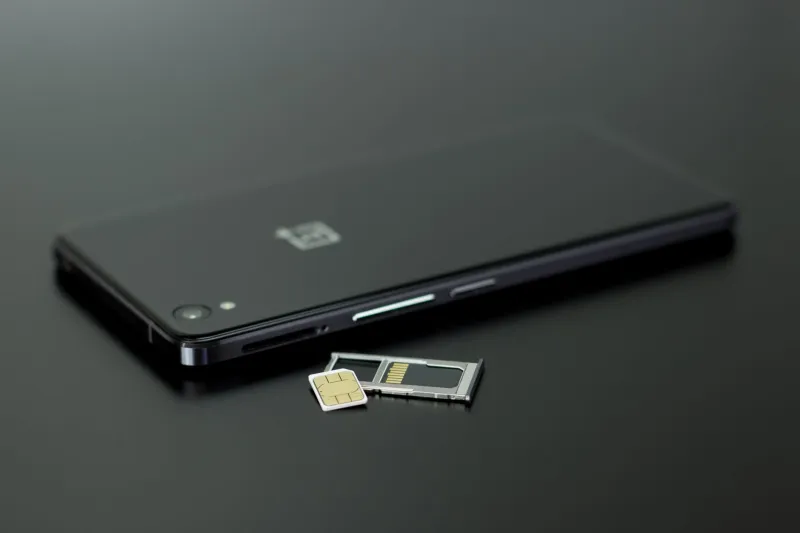
There is a special kind of frustration that arrives when your phone shows a lovely strong 4G or 5G signal, speed tests look healthy, and then you try to ring the doctor and nothing happens. No dial tone. No ringing. Just a failed call and a small crisis of confidence.
This has become more common since the UK's 3G networks were retired. In the old days, a phone that did not support 4G calling could often fall back to 3G for voice. That safety net has largely gone. If your handset and your network do not agree on VoLTE, ordinary calls can fail even when mobile data works perfectly. Imported phones are prime suspects, not because they are bad, but because network whitelists and regional firmware matter more than the name on the box.
Why data can work while calls fail
Mobile data and voice calls travel through different parts of the network. Data over 4G and 5G is fairly forgiving. Calls need the network to recognise your exact device model, its firmware and its VoLTE profile. If the network has not approved that model for VoLTE, it may block the call rather than let it run over 4G.
Some phones can drop to 2G for calls, but that is not a long-term plan. The UK's 2G networks are also being retired, and coverage varies. A phone that relies on 2G fallback may work today and fail later. That is why the sensible question is not 'does it get data?' but 'will it make calls on my network in 2026 and beyond?'
What a whitelist actually means
A network whitelist is not a naughty list. It is a list of devices the network has tested for VoLTE, emergency calling, audio quality and battery behaviour. Networks do this because voice over 4G is not plug-and-play on every handset. The list can differ between EE, O2, Vodafone, Three and the smaller providers that piggyback on them.
The trap is that the same phone name can hide different model numbers. A Samsung flagship sold in the UK may have a different model code from one sold in the US or Asia. Even if the hardware looks identical, the firmware region can change which carrier settings are available. The network may see it as an unsupported device.
The pre-purchase checklist
- Find the exact model number. Go into Settings, About Phone, and look for the full model code. Compare that code with the network's device support page. Do not rely on the retailer's vague claim that it is 'unlocked and compatible'.
- Check VoLTE and Wi-Fi calling support for that exact model on that exact network. If the support page says nothing, assume no. If it says 'coming soon', do not buy on the promise.
- Buy from a UK seller with a clear returns policy. You want consumer protection and a return window long enough to test calls, not just data.
- Check network bands as well as calls. A phone missing a common UK 4G or 5G band may work in town and struggle indoors or in the countryside.
- Test it properly within the return window. Put in the SIM, turn off Wi-Fi, make a call, receive a call, check voicemail and try a short call while walking between rooms. Do not call the emergency services as a test.
- Check whether the phone supports eSIM if you need it. Some imported dual-SIM models are physical SIM only, even when the UK version supports eSIM.
- Check software updates. Imported handsets may receive carrier settings late or never. No updates can mean no VoLTE fix.
- If it fails, return it. Workarounds are not the same as a working phone.
Wi-Fi calling is a fallback, not a cure
Wi-Fi calling can rescue calls at home or in the office, but it is not a full substitute. It needs network approval, a registered emergency address in some cases, and a stable Wi-Fi connection. If you are out and about, or the Wi-Fi drops, the call drops. Some networks also restrict Wi-Fi calling on imported handsets even when the toggle appears in settings.
If you already own the problem phone
Start with the network's device support page and customer service. Ask them to confirm support for your exact model code, not the marketing name. Install any software updates, reset network settings, and try the SIM in another phone if you can. If the network says the model is not supported for VoLTE, believe it. A cheap UK-approved backup handset may be less annoying than missing calls.
The golden rule is simple: a phone is only a phone if it can make calls on your network. Data is not enough. Check the exact model, test it while you can still return it, and keep the receipt. That is how you avoid buying a very nice pocket computer that cannot ring your mum.