The Number You Can Lose in a Phone Call: Locking Down Your UK SIM Against Swap Fraud
Your mobile number stopped being just a phone number a long time ago. It is now the front door to your bank app, your WhatsApp, your email recovery, your HMRC login and roughly half the accounts you have forgotten the passwords for. Which is exactly why criminals have stopped trying to steal your phone and started trying to steal the number inside it.
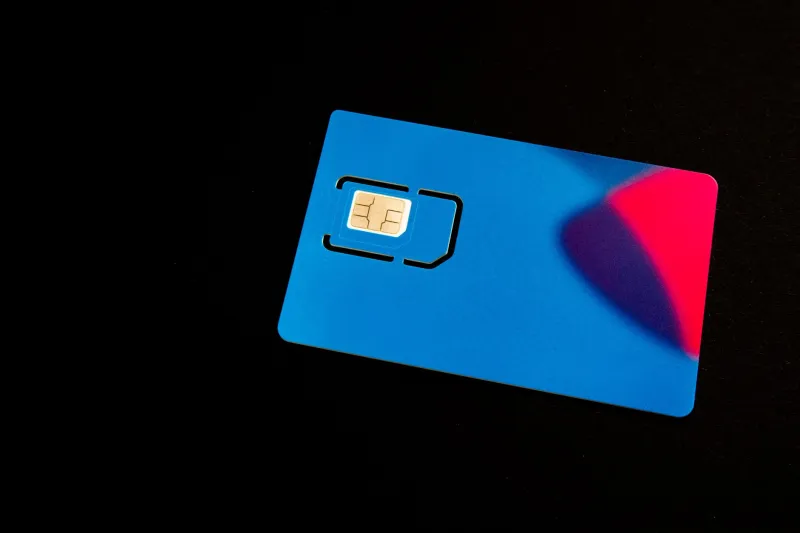
A SIM swap is not a hack in the Hollywood sense. There is no hooded figure typing furiously. It is a phone call, a few security questions and a replacement SIM or eSIM being activated on someone else's handset. When it works, your signal vanishes and your number starts receiving codes for accounts you no longer control.
The 15-minute heist, without the dramatics
The attacker starts with your personal details, not your phone. Breached databases, old social media posts, your date of birth, your address, the name of your first pet if you were foolish enough to use it as a security answer. They then contact your network, either by phone or in a shop, and claim to have lost their phone. They ask for a replacement SIM or an eSIM transfer.
If they can answer enough security questions, the network does what networks are designed to do: it helps the customer. The new SIM activates. Your old SIM dies. Your number now lives in their handset. From there, they can request password resets, intercept one-time passcodes and start draining accounts.
The reason this is described as a 15-minute attack is not because the whole fraud takes 15 minutes. It is because the window between the swap and the first fraudulent transaction can be that short. The longer you take to notice, the more damage gets done.
The warning signs people miss
A sudden drop to “no service” in an area where you normally have full bars is the classic sign. So is a text saying your SIM has been changed, or an email confirming a number transfer you did not request. Other red flags include:
- Two-factor authentication codes that never arrive
- WhatsApp suddenly asking you to re-register your number
- Your bank app logging you out and refusing to recognise your device
- Calls going straight to voicemail when your phone is on
- A network email about a replacement SIM you did not order
If any of those happen, do not shrug and assume the network is having a bad day. Ring your provider from another phone immediately.
What your bank can and cannot see
This is where people tend to overestimate the system. Your bank sees that a login attempt came from your number and that a one-time passcode was entered correctly. It does not automatically know that the SIM in question was activated 20 minutes ago by someone in a different postcode.
Some banks now receive fraud signals from networks and use device fingerprinting, behavioural checks and call history to spot a swap in progress. But it is not universal, it is not instant, and it is not something you should rely on. The uncomfortable truth is that a successful SIM swap can make a fraudulent transaction look remarkably legitimate from the bank's side.
Network protections in 2026: what to ask for
The big four UK networks have all tightened things up, but the protections are not identical and they are not always switched on by default. The general rule is: ask for a porting freeze, set an account PIN, and make sure eSIM transfers require extra verification.
EE offers account-level PIN protection and has been pushing in-store ID checks for replacement SIMs. Ask specifically for a SIM-swap lock or porting freeze on your account, and confirm what happens if you request an eSIM transfer online.
O2 has an extra security option on many accounts, along with a porting freeze you can request. The key question to ask is whether the freeze covers both physical SIMs and eSIMs, because a thief who cannot get a plastic SIM may try the digital route instead.
Vodafone offers account PINs and will place a transfer block on request. Its retail staff are trained to challenge replacement SIM requests, but phone-based social engineering remains the weak point across the industry.
Three has account PIN protection and porting freezes, and has been adding extra checks around eSIM moves. Again, ask for the freeze in writing and check how you would lift it if you genuinely needed to.
Smaller providers vary enormously. Tesco Mobile, Sky Mobile, giffgaff, Lebara and iD Mobile often rely on app-based verification, which can be convenient but sometimes means fewer manual locks. If you are on an MVNO, ring customer services and ask directly: “What stops someone else moving my number to a new SIM?” If the answer is vague, consider whether that provider is right for your main number.
The lockdown checklist
Do these in order. None of them takes long, and most can be done from your phone.
- Set a network account PIN. Not 1234. Not your date of birth. Something you would not put on a form.
- Request a porting freeze. Ask for it explicitly and confirm what identity checks are needed to remove it.
- Move your two-factor authentication off SMS. Use an authenticator app or passkeys for email, banking and social accounts. SMS codes are the thing a SIM swap is designed to steal.
- Lock down your email recovery. Your email is the reset button for everything else. Add a strong password, an authenticator app and a backup code stored offline.
- Check your bank's security settings. Turn on login alerts, transaction notifications and any “trusted device” features. Ask if they use SIM-swap fraud checks.
- Remove your number from public profiles. LinkedIn, Instagram, Facebook and old forums. It is amazing what a determined caller can piece together.
- Add a second contact number to important accounts. A landline, a partner's number or a work number gives you a way back in if your mobile goes dark.
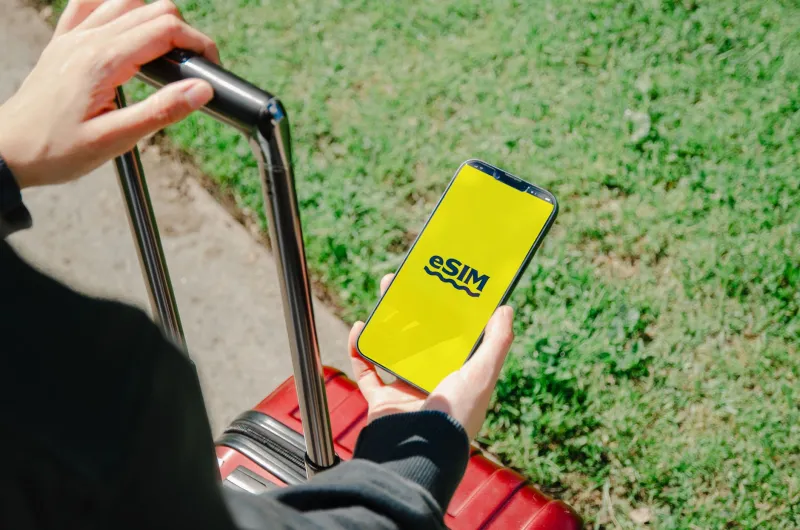
- Ask about eSIM transfer protection. If your network lets you move an eSIM with just an email link, that is a gap worth closing.
- Keep a note of your network's fraud team number. Not the general customer service line. The fraud line.
The first hour after a swap
If you think your number has been stolen, speed matters more than pride. Borrow a phone and call your network's fraud team. Ask them to block the SIM, freeze any porting request and note that you are reporting a suspected SIM swap. Get a reference number.
Next, call your bank's fraud line. Not the app chat, not the general enquiries number. Tell them your number has been compromised and ask them to flag your account. Change your email password from a device that has not been compromised, then work through your other accounts: WhatsApp, social media, cloud storage, anything with a phone number attached.
Report it to Action Fraud and keep the reference. Tell your contacts that your number is compromised so they do not fall for messages sent from it. And if your WhatsApp has been taken over, re-register as soon as the network restores your SIM, because the clock is ticking on the attacker's access.
The bottom line
SIM swap fraud is not about sophisticated hacking. It is about a customer service interaction going wrong. The best defence is to make your account harder to impersonate: a PIN, a porting freeze, and two-factor authentication that does not rely on a text message. Do those three things this week and you have already made yourself a much less appealing target.